
01

Planning doc
Capture goals, users, key features, and positioning.
Start with the output you need, then move into pitch, share, or build.
Create the doc, map the IA, then generate screen drafts in one project.
Capture goals, users, key features, and positioning.
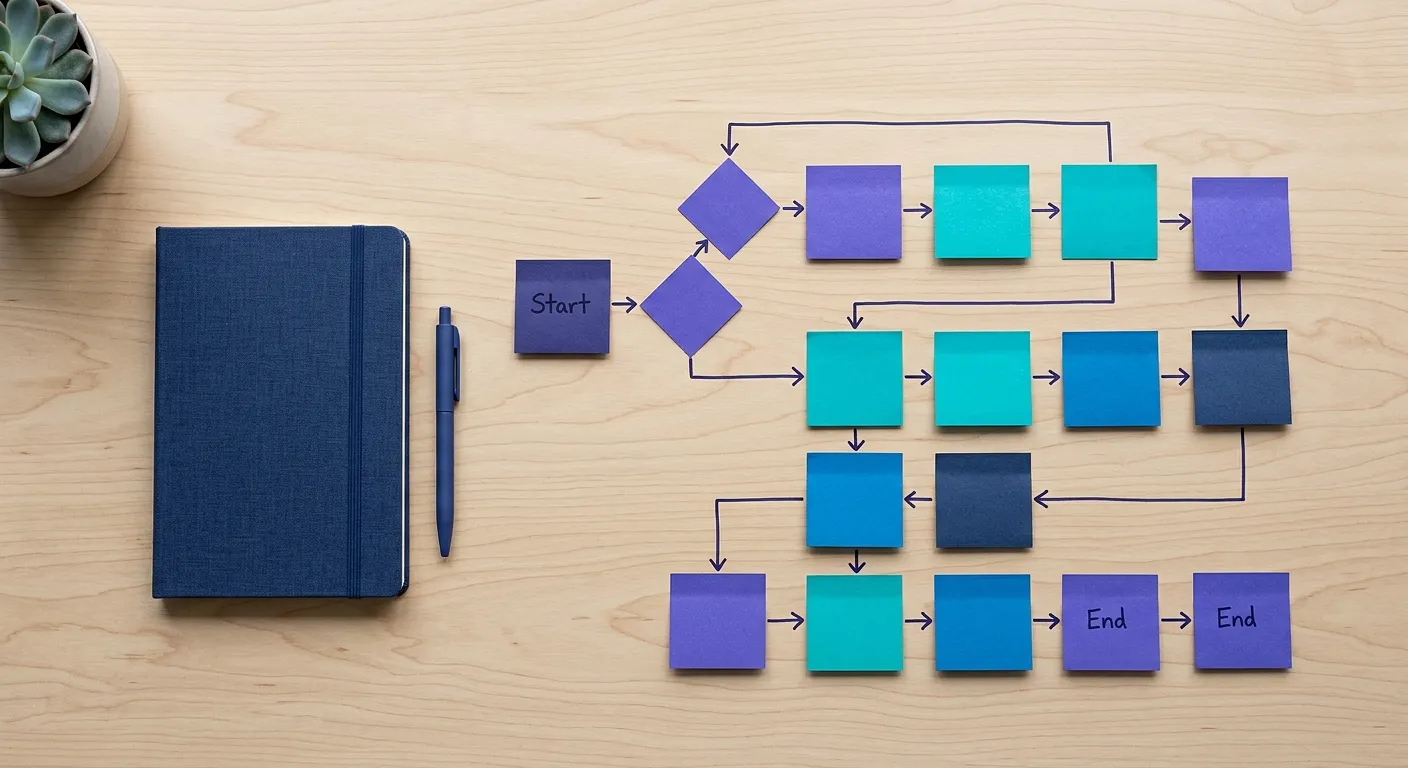
Map menus, pages, URLs, and priorities in an Excel-ready table.
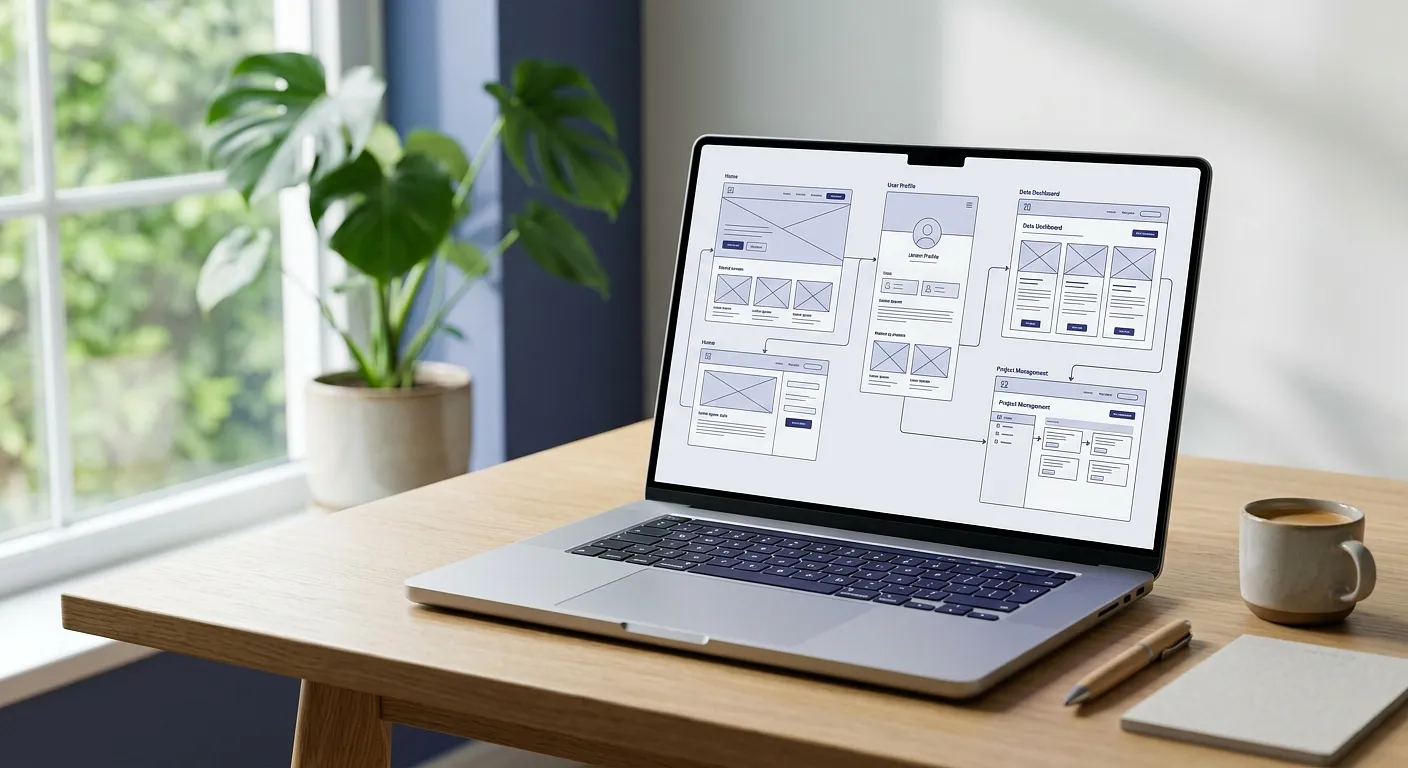
Create screens with feature notes and prototype flow.
Clarify the goal, users, and core features first.
Keep menus, URLs, and priorities in the same table.
Define what each screen shows, does, and connects to.
Requirements
We use cookies to improve your experience and for marketing purposes. Read our Cookie Policy or Cookie Management.
Essential cookies are always used to provide the service. You can choose whether to allow preferences, analytics, and marketing cookies.
Required for Rails sessions, CSRF protection, sign-in, security, abuse prevention, and storing your cookie consent state. This category cannot be turned off.
Stores settings you explicitly choose, such as language selection and interface preferences, so the service works more smoothly for you.
May be used to understand service usage and improve the product. This category is off by default.
May be used for ad measurement, retargeting, and campaign optimization. Klavy does not currently use this for SMS or phone marketing tracking.